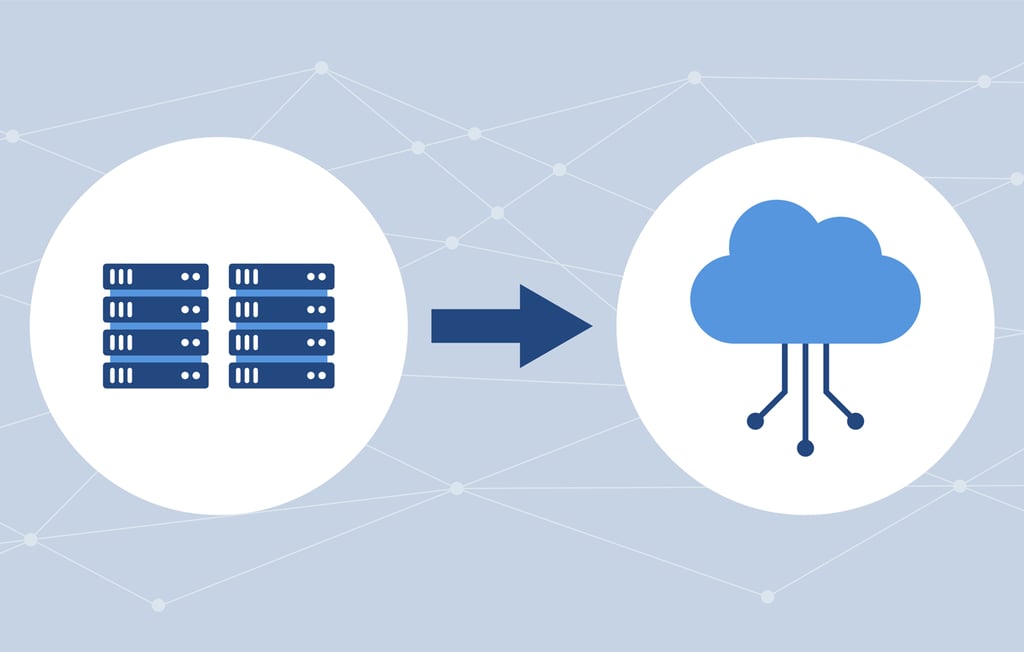
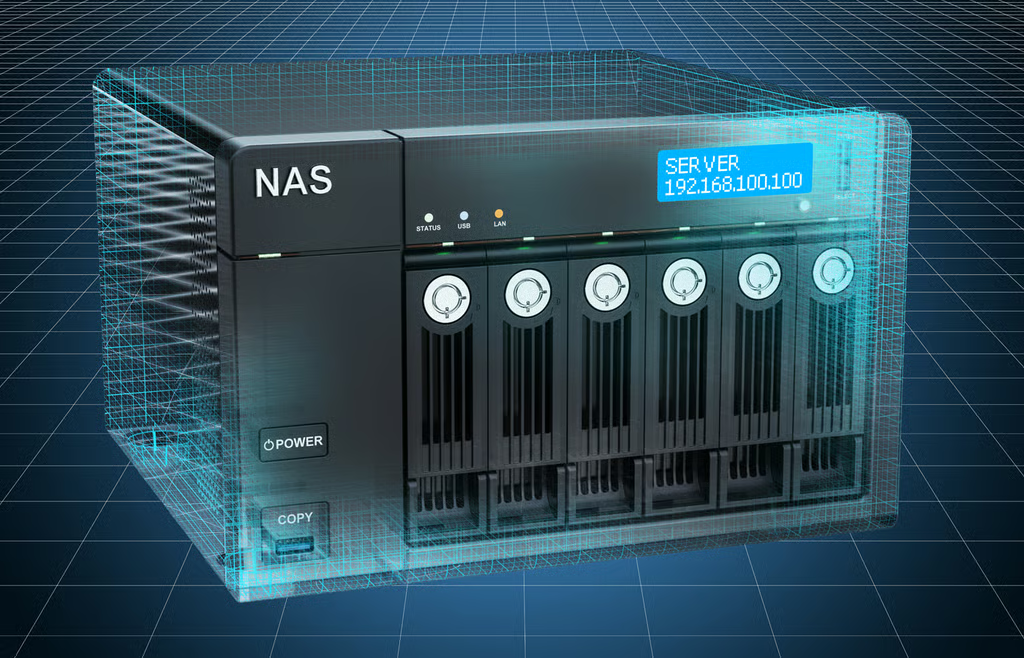
Disk cloning software rose to prominence as an alternate way to back up and restore hard disk drives (HDDs) or solid state devices (SSDs). If the drive crashes or fails, the clone gives you fast access to everything on it as it is a duplicate of the original. It includes the data, applications, system software […]


Disk cloning software rose to prominence as an alternate way to back up and restore hard disk drives (HDDs) or solid state devices (SSDs). If the drive crashes or fails, the clone gives you fast access to everything on it as it is a duplicate of the original. It includes the data, applications, system software and related files. Instead of having to reinstall everything from scratch, it is all provided rapidly by the clone.
There are various approaches and use cases for cloning. Sometimes the clone resides within the same PC, server, or laptop. A safer way is to have the clone reside on an external device or on another server. That offers peace of mind in the event of a disaster, theft of device, or other event.
Clones serve a valuable role, too, when you are moving from one device to another. Shifting from a PC to a laptop (or onto a new laptop) is simplified by just migrating the clone onto the new hardware platform. Similarly, when a user is moving from HDDs to SSDs within the same laptop, cloning makes the changeover swift and relatively painless.
The main use cases for cloning are:
In the last use case, a common reason is when the free space is running out on a hard drive. Clones come in handy when adding a new, larger hard drive and transferring all data, applications, and the operating system.
There are a wide range of disk cloning tools out there. They each create an exact, uncompressed replica of a drive. It’s a smart idea to keep an updated clone available for data security protection as part of a full backup and disaster recovery (DR) plan.
Tools vary from consumer or individual device only, to business-class products that can address servers and multiple users. Here are some key points to consider in product evaluation:
Enterprise Storage Forum evaluated various tools based on feature set and overall capabilities. Here are our top choices, in no particular order:
 Acronis Disk Director is available in Home or Business versions. Disk Director is also part of Acronis True Image 2021, which provides added features. The company prefers to focus on True Image as most buyers choose the entire suite. When compared to regular backup software, the biggest benefit of Disk Director is that it provides a complete image of a computer at a single point in time. Acronis Disk Director makes it easy to create hard disk partitions, and resize, move or merge partitions without risk of data loss. It also complements Acronis data backup solutions.
Key Differentiators
 Kace Systems Deployment Appliance from Quest provides automated systems and disk imaging/cloning. It can automate the deployment of configuration files, user states, drivers and applications, as well as provision to onsite or remote endpoints. It offers a way to execute large-scale systems deployment across multiple remote sites.
Key Differentiators
 Macrium provides a range of home and business products, including disk cloning. Macrium Reflect includes Rapid Delta Clone (RDC), Rapid Delta Restore, backup, and more. RDC works as follows: The NTFS file system resident on the clone source is compared with file system on the target disk. The two file systems are first verified that they originated from the same format command and then the target NTFS file system structures are analyzed for differences. All the NTFS file system structures are copied to the target disk and any that do not exist or have been modified on the target disk cause the data records for each NTFS file or object to be copied as well.
Key Differentiators
 Clonezilla is a free, open-source partition and disk imaging/cloning application that provides system deployment and bare metal backup and recovery. Available in single machine and multiple machine versions, it saves and restores used blocks on the hard disk to increase cloning efficiency.
Key Differentiators
 EaseUS Disk Copy software can clone hard drives regardless of operating system, file system, and partition scheme. It can be used for copying, cloning, or upgrading a small hard drive to a new larger drive. It copies anything from the old hard drive, including the deleted, lost files and inaccessible data. It is used for disk cloning, having a backup copy near to hand, and for upgrading to SSDs.
Key Differentiators
 Paragon offers home and busines versions of Hard Disk Manager. The business version is designed for multiple users to facilitate IT management from deployment to disposal of the hardware. It offers backup, cloning, and business continuity and works across heterogeneous systems in hybrid environments.
Key Differentiators
 Broadcom picked up this and many other enterprise security and data protection products from its acquisition of Symantec in 2019. The Symantec Ghost Solution Suite (GSS) is a way to deploy and manage desktops, laptops, tablets, and servers from one console. It enables IT to migrate operating systems, inventory machines, deploy software, and perform custom configurations across multiple hardware platforms and OS types including Windows, Mac, and Linux.
Key Differentiators
 AOMEI Backupper backup and recovery software spans backing up of files, folders, hard disk drives, partitions, dynamic volumes, applications and system drives, as well as restoration in the event of data loss. It includes a disk imaging/cloning tool which can be used to create an exact image of your entire hard disk drive and operating system, and to migrate to another hard drive if desired, for Windows PCs and Windows Server.
Key Differentiators
Drew Robb is a contributing writer for Datamation, Enterprise Storage Forum, eSecurity Planet, Channel Insider, and eWeek. He has been reporting on all areas of IT for more than 25 years. He has a degree from the University of Strathclyde UK (USUK), and lives in the Tampa Bay area of Florida.

Enterprise Storage Forum offers practical information on data storage and protection from several different perspectives: hardware, software, on-premises services and cloud services. It also includes storage security and deep looks into various storage technologies, including object storage and modern parallel file systems. ESF is an ideal website for enterprise storage admins, CTOs and storage architects to reference in order to stay informed about the latest products, services and trends in the storage industry.
Property of TechnologyAdvice. © 2026 TechnologyAdvice. All Rights Reserved
Advertiser Disclosure: Some of the products that appear on this site are from companies from which TechnologyAdvice receives compensation. This compensation may impact how and where products appear on this site including, for example, the order in which they appear. TechnologyAdvice does not include all companies or all types of products available in the marketplace.