Discover the X best NAS cloud backup solutions for 2023. Compare features, pricing, and performance of the top NAS cloud backup solutions.


Today’s network attached storage (NAS) devices offer myriad capabilities beyond data storage and retrieval—and, when coupled with a NAS cloud backup option, can provide enterprises with unprecedented levels of digital resilience for their data. With a wide range of solutions on the market, enterprises can pick and choose the right NAS cloud backup for their needs.
We evaluated the top 10 competitors to see how well they compared on core and enterprise features, integrations, customer support, and price—here are our picks for the five best NAS cloud backup solutions of 2023:
Read on for more detail about all 10 of the NAS cloud backup solutions we evaluated.
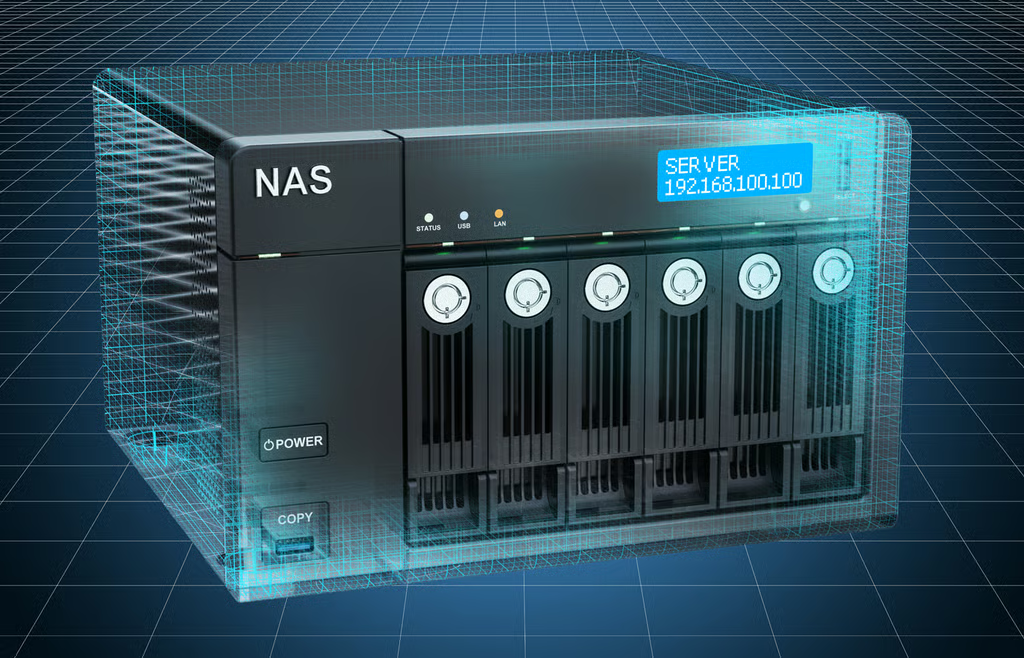
A NAS cloud backup solution effectively acts as a backup counterpart to a local network attached storage device. If the NAS device experiences a hardware failure or is otherwise compromised, the backup allows the organization’s data to be safely recovered from the cloud.
Providing this extra layer of redundancy is just a baseline requirement these days. Leading enterprise NAS cloud backup solutions offer a range of additional features, including automatic backup scheduling, in-cloud data collaboration, and advanced security options. The chart below shows how the top 10 solutions compared against our evaluation criteria.
| Core Features | Enterprise Features | Support | Integrations | Pricing | |
|---|---|---|---|---|---|
| Amazon Glacier | ☆☆☆☆☆ | ☆☆☆☆☆ | ☆☆☆ | ☆☆☆☆☆ | ☆☆☆½ |
| Azure Storage | ☆☆☆☆☆ | ☆☆☆☆☆ | ☆☆☆☆½ | ☆☆☆☆☆ | ☆☆☆☆½ |
| Backblaze | ☆☆☆☆☆ | ☆☆☆☆☆ | ☆☆☆☆½ | ☆☆☆☆☆ | ☆☆☆☆ |
| Acronis | ☆☆☆☆ | ☆☆☆☆½ | ☆☆½ | ☆☆ | ☆☆☆☆ |
| Carbonite | ☆☆☆☆☆ | ☆☆☆☆ | ☆☆☆☆☆ | ☆☆☆☆☆ | ☆☆☆½ |
| Zoolz | ☆☆☆☆ | ☆☆☆½ | ☆☆☆½ | ☆☆☆☆ | ☆☆☆☆ |
| Synology C2 | ☆☆☆☆ | ☆☆☆ | ☆☆☆ | ☆☆☆ | ☆☆☆☆½ |
| Wasabi | ☆☆☆☆ | ☆☆ | ☆☆ | ☆☆☆ | ☆☆☆☆½ |
| iDrive | ☆☆☆☆ | ☆☆☆ | ☆☆☆ | ☆☆ | ☆☆☆☆ |
| BDRSuite | ☆☆ | ☆☆ | ☆☆☆☆½ | ☆☆ | ☆☆☆☆½ |

Best For Enterprise NAS
Amazon Glacier provides the foundational, behind-the-scenes infrastructure for many NAS cloud backup offerings—some of which are included here. On its own, Glacier provides cost-effective cloud storage services, including long-term NAS data archive and data backups.
For enterprises with AWS-based cloud infrastructures, Amazon Glacier is shoe-in for NAS backup and data archiving services.

Best for Ecosystem Compatibility
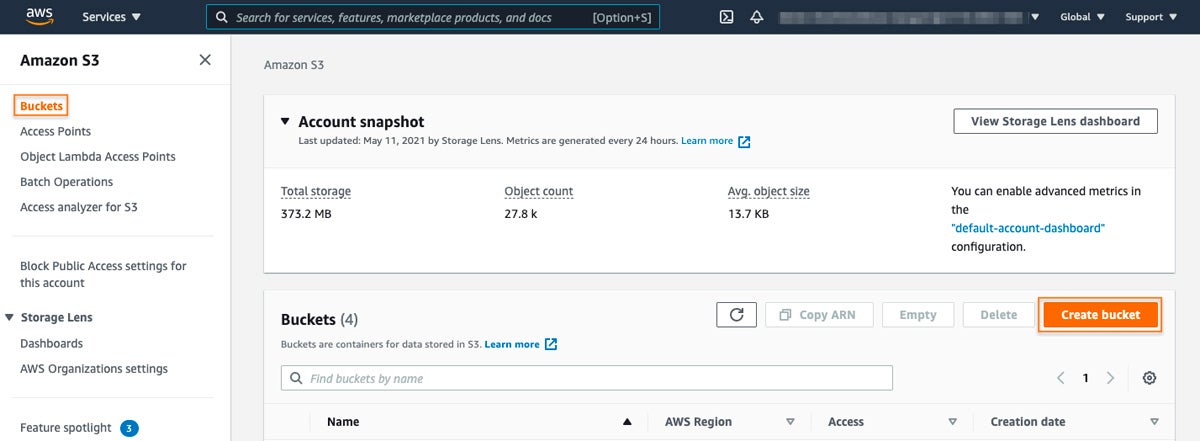
As part of Microsoft Azure’s cloud portfolio of offerings, Azure Storage unsurprisingly works well across the Office 365 suite, as well as in bespoke use cases that require varying levels of object, file, and disk storage. And with extensive support for popular NAS hardware vendors—especially Synology—enterprises can easily save their backups to Azure Storage.
In terms of backup and storage for NAS devices, Azure Storage focuses more on enterprise-grade features and security. For organizations already using parts of the Microsoft Azure ecosystem, Azure Storage is ideal for integrating services like Azure Backup and Azure Site Recovery.

Best for Small and Medium-Sized Organizations
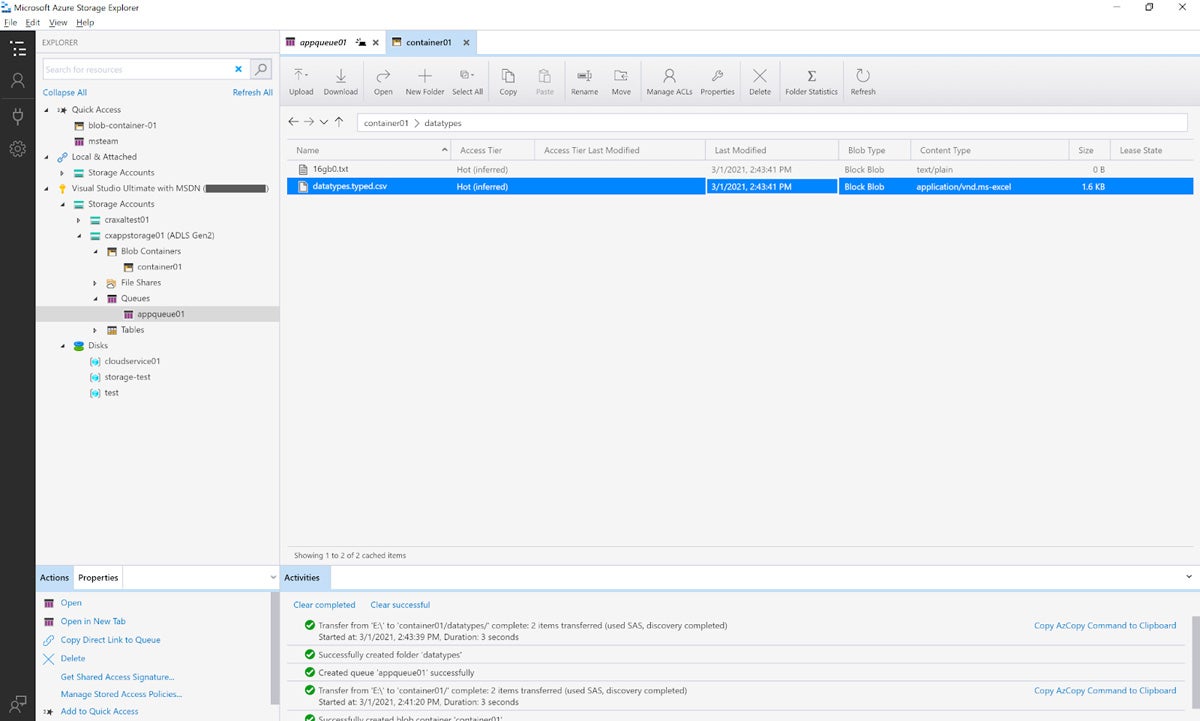
Backblaze is an ideal cloud NAS storage option for organizations looking to implement an additional layer of resilience on top of their on-premises efforts without substantial capital expenditures or sacrificing usability. The solution offers native integrations with leading NAS vendors, including Synology, QNAP, and TrueNAS.
Existing users of Backblaze-supported NAS devices simply select their system from a list to easily connect and backup the device. The company also offers a 99.9 percent uptime service level agreement (SLA), ensuring that organizations always have access to their data.

Best for Backup Level Granularity
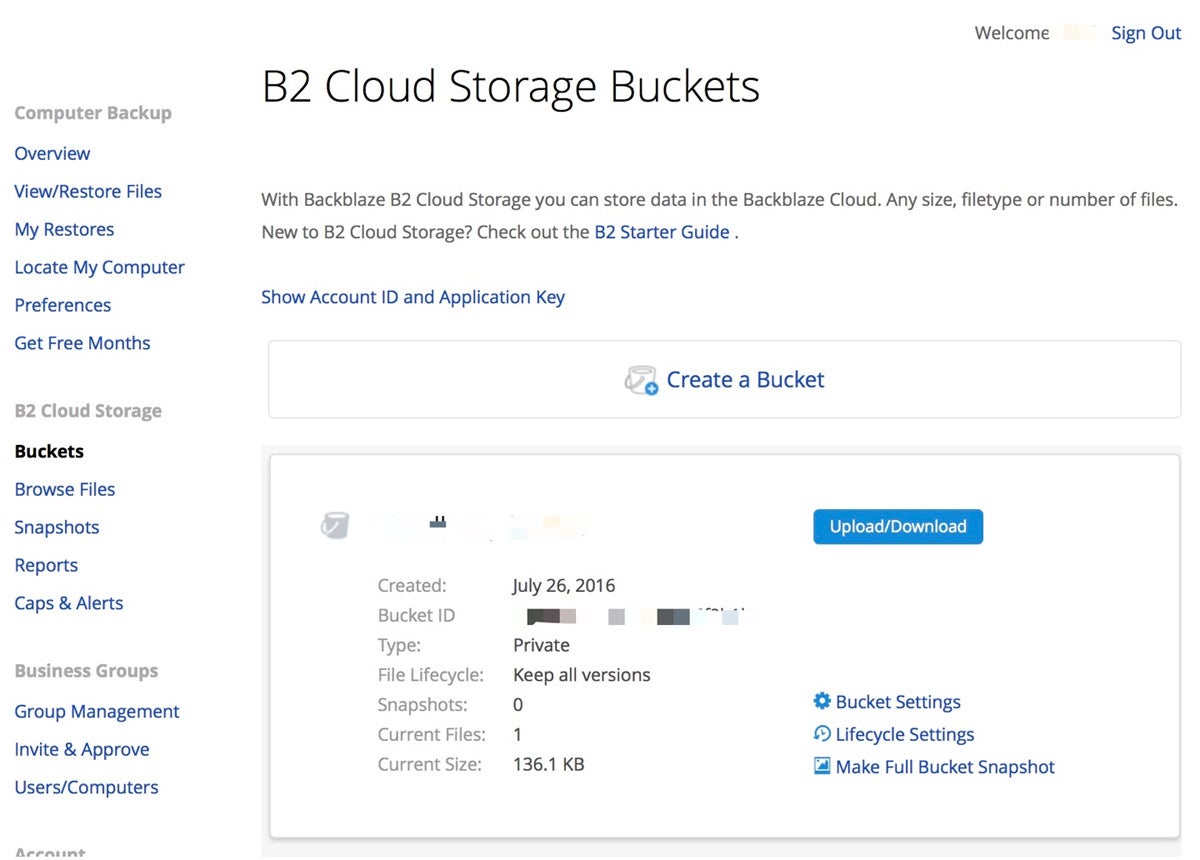
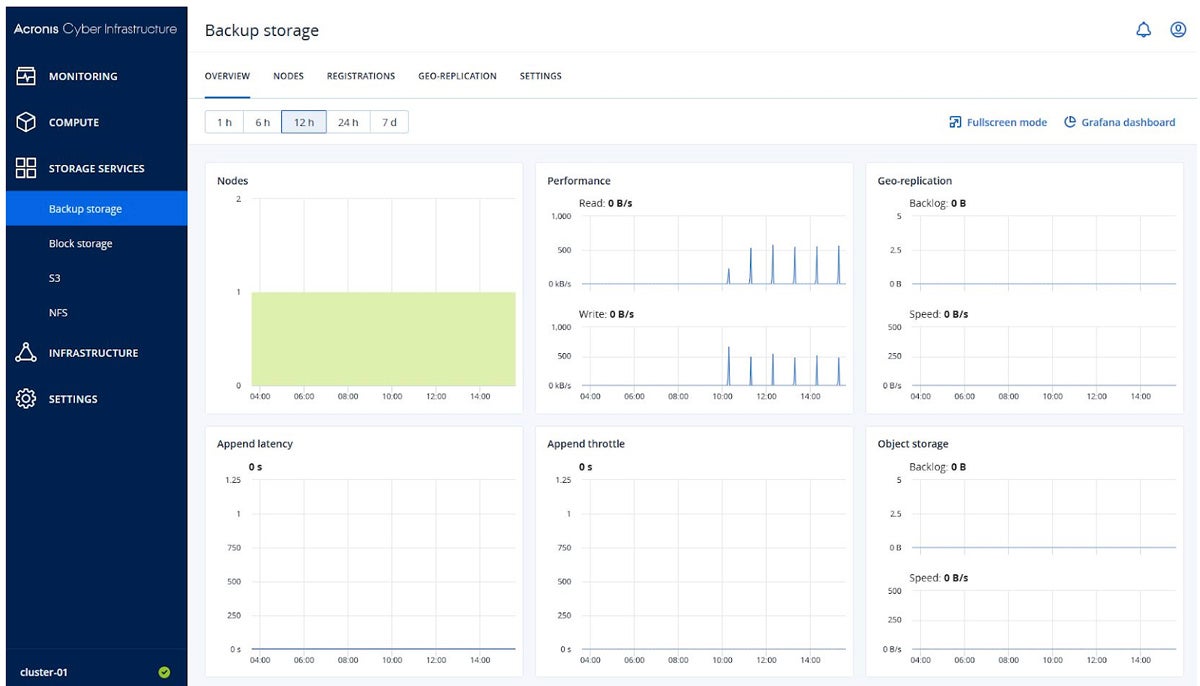
Over the years, Acronis has made a name for itself as a cloud storage provider focused on data protection and cybersecurity. Its solution suite includes cloud NAS storage backup services as well as integrated disaster recovery, cybersecurity, and endpoint management services.
Acronis bundles several powerful features in its cloud NAS backup solution, including file versioning, full-image backups, and file-level backup. Home Office tier users only have access to the latter.

Best for Customer Service
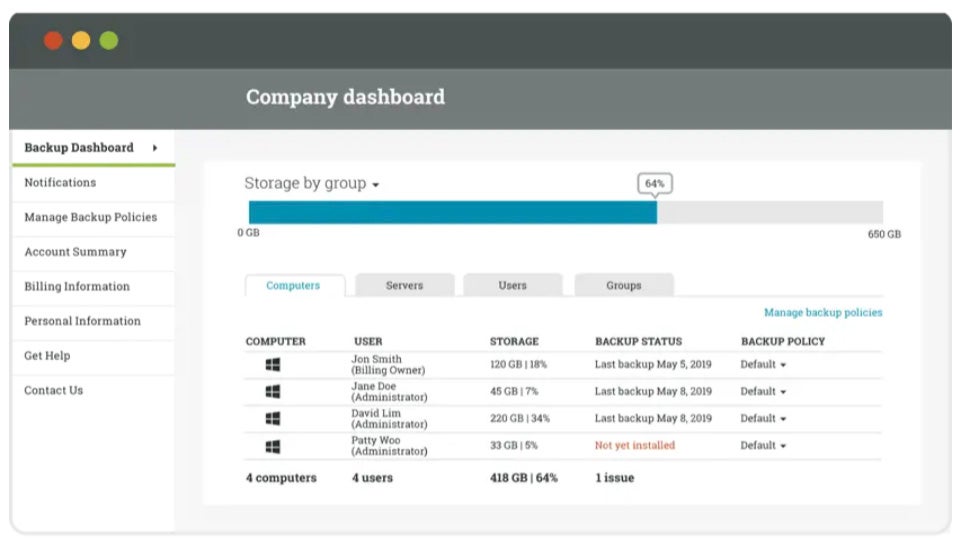
After being acquired by Canadian enterprise software giant OpenText several years back, Carbonite continues to offer its suite of leading cloud backup solutions as part of the OpenText Cybersecurity family.
Carbonite’s solution—available in Personal, Professional, Business, and Partner versions—is known for being easy to set up and use with award-winning customer service to boot.

Best for Advanced Users
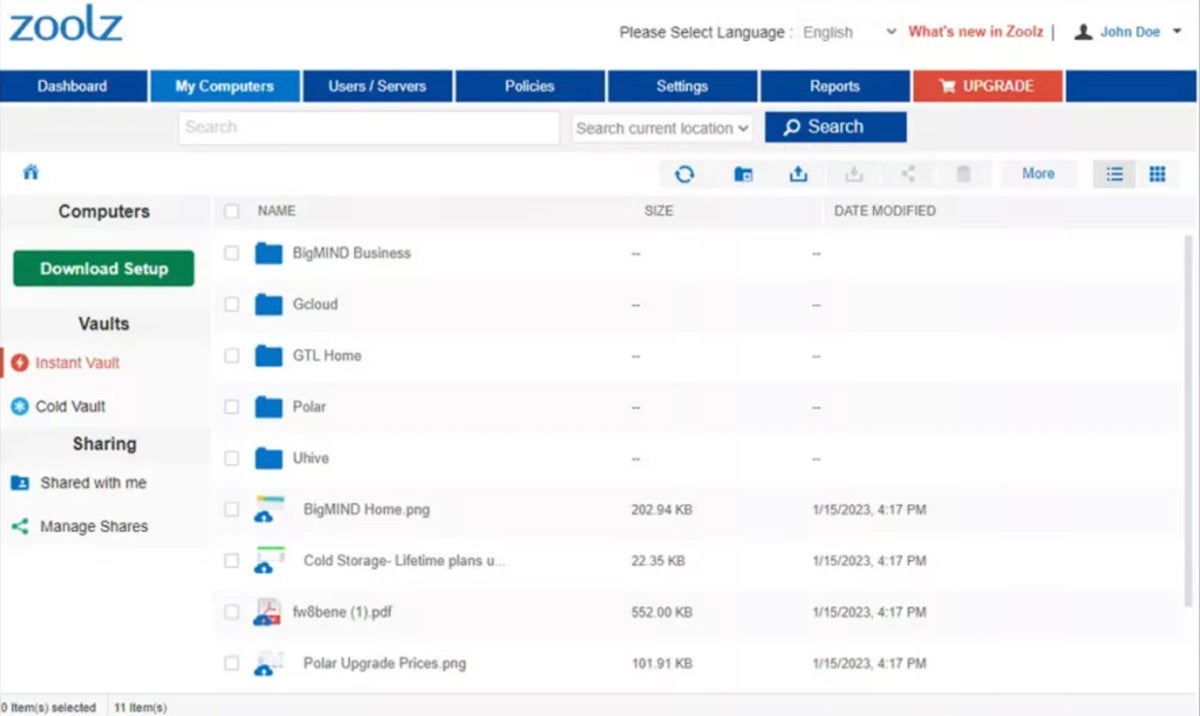
Zoolz is known as a cost-effective online backup service and storage platform—perhaps most comparable to iDrive’s offering, but with a bit more UI sophistication and hidden power under the hood. For more advanced users or administrators, Zoolz may be the ideal option, as it provides some advanced cloud NAS backup features that require significant technical prowess to configure and use.

Best for NAS Device Support
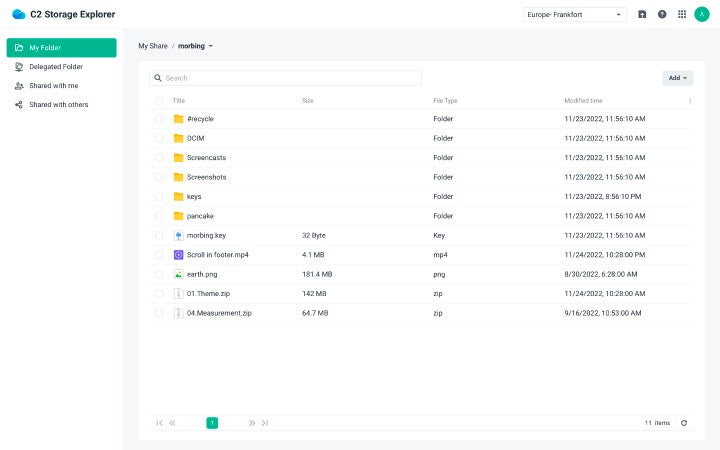
As the dominant data storage and management brand, Synology and its industry-leading network attached storage/storage area network (NAS/SAN) solutions share 50 percent of the global attached storage market share with IBM and Western Digital. So there’s a good chance your NAS is Synology-branded—if so, Synology C2 Backup is the official cloud backup service for your device.
Synology C2 seamlessly integrates with both its own NAS devices and a range of competing vendors, enabling secure and reliable NAS backups to the cloud across multiple NAS devices. The service also includes file versioning, customizable retention policies, and a host of scheduling options.

Best for AWS/S3 Integrations
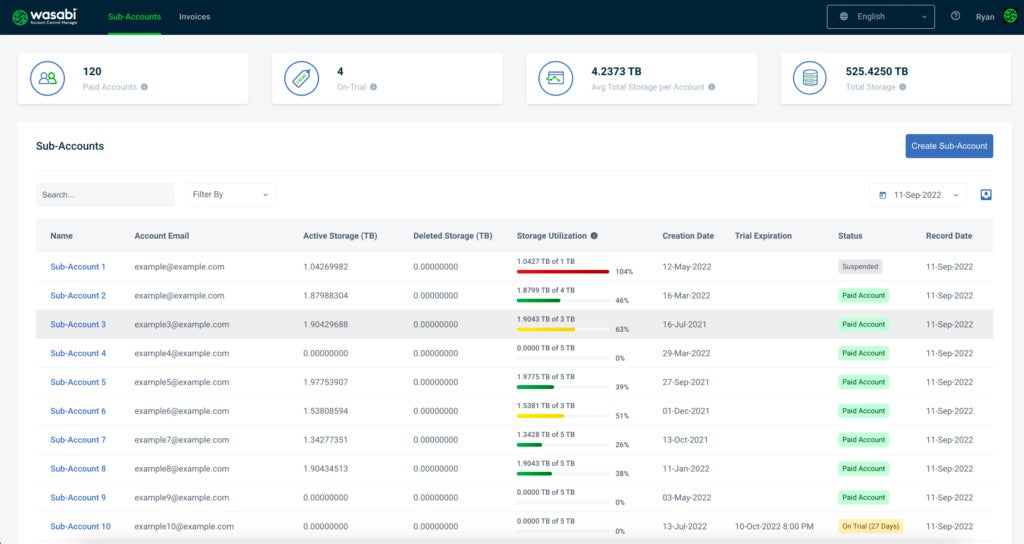
Wasabi offers cost-effective, high-performance cloud storage services akin to Amazon Web Services (AWS), Google Cloud Storage, and Microsoft Azure. In fact, the company has designed its platform to be 100 percent compatible with Amazon S3. It also supports access policies and data retention rules and offers a cloud-based NAS service (Wasabi Cloud NAS).

Best for Ease-of-Use
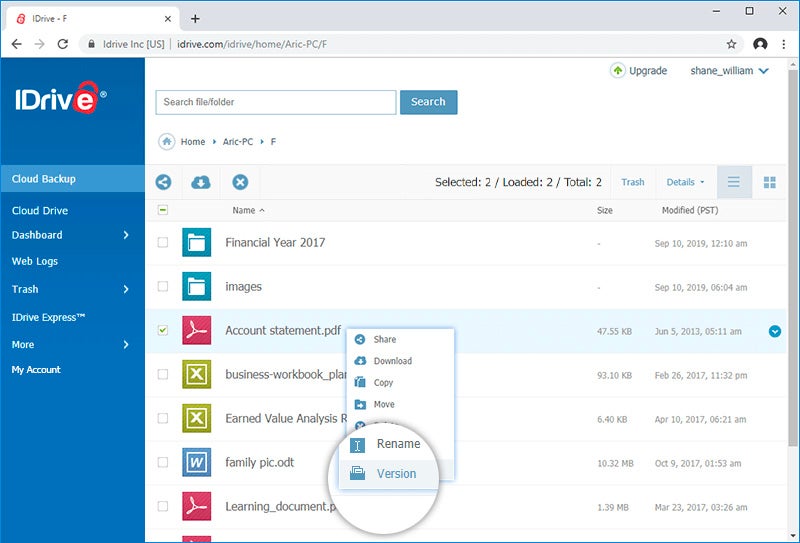
With almost three decades as a data backup leader, iDrive predates most of the vendors on this list. The company’s award-winning offering continues to provide both consumers and enterprises with powerful, cost-effective data backup capabilities, including specialized NAS backup options for popular devices including Synology, QNAP, Netgear, and Asustor.
iDrive is primarily controlled and managed via a dedicated app or easy-to-use desktop software, with most users citing the offering’s simple and straightforward approach to running and retrieving backups as its strong suit.
Best for Pricing
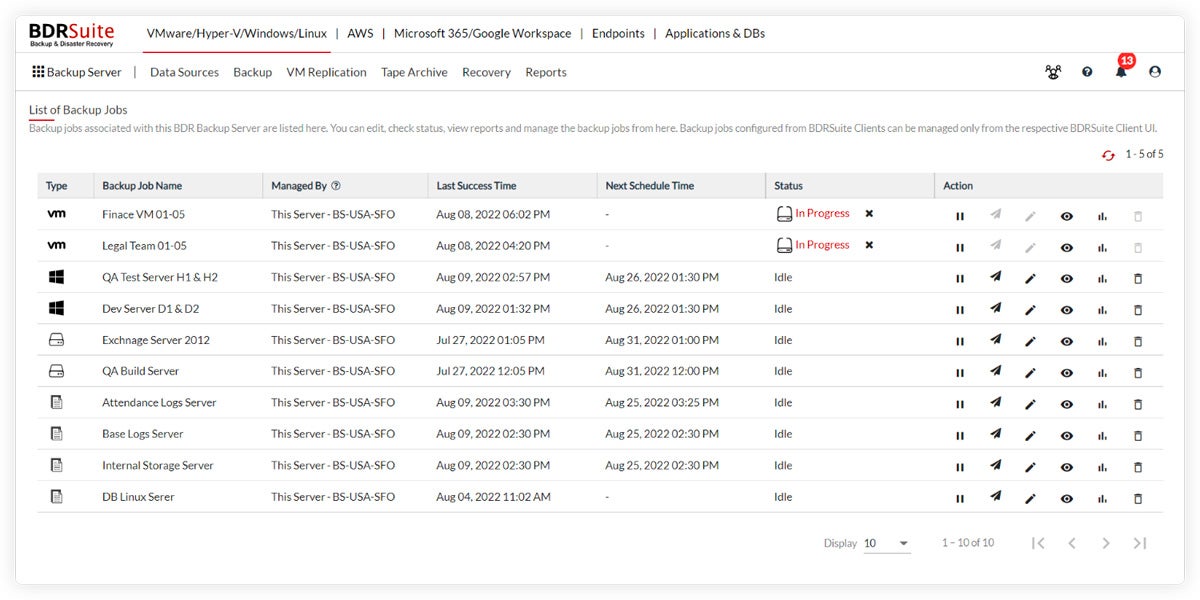
BDRSuite’s cloud-based NAS backup solution is capable of a full range of backup, recovery, replication, and disaster recovery functions, supporting all types of infrastructures and environments: virtual, physical, cloud workloads, software as a service (SaaS) applications, and more.
Some of BDRCloud’s key capabilities include continuous data security monitoring and protection, advanced encryption, flexible storage management, and data deduplication services, to name a few.
At the core of NAS cloud backup efforts is the data itself, and with that comes all of the relevant security, compliance, privacy, and availability considerations. The following key features address these concerns and more, and should be top-of-mind when evaluating NAS cloud backup software solutions.
NAS cloud backup solutions offer various data storage capabilities. Be sure to verify that candidate solutions satisfy your current and future data storage bandwidth and capacity requirements. You should also ensure that the solution is compatible with your organization’s NAS devices and operating systems, and is capable of seamless and reliable synchronization across devices.
Security features like encryption and multi-factor authentication (MFA) should be hard requirements, both generally as best practice—but also potentially as a legal mandate. If your organization is subject to compliance requirements or data privacy/security regulations, these security features may be non-negotiable.
The solution should provide a user-friendly interface for simplifying management and maintenance tasks, coupled with automation and scheduling options that are easy to access and configure.
A competent NAS cloud backup solution should offer collaboration features like file sharing and access control management, enabling teams to view and manage data collectively in the NAS cloud backup environment.
Learn more about the current trends in NAS security.
Today’s NAS devices are highly scalable, flexible, and interoperable. Chances are, your particular device will work with most (if not all) of these cloud offerings. However, if your organization is wed to a certain type or brand of NAS, then your options may be limited—that said, you should always evaluate a candidate solution’s integration capabilities and compatibiltiy with various devices and platforms to future-proof your investment.
In evaluating the NAS cloud backup solutions on this list, we examined each respective offering’s strengths and weaknesses across a number of categories. Our scoring system ranks products from 0 to 5, and the highest rated products are selected from that shortlist.
We scored these products based on a list of enterprise-level features and requirements. The scores are not a direct or complete reflection of the overall product but of how well it meets the specific criteria we determined in the rubric.
When evaluating pricing, we looked at overall cost, free trials/tiers, pricing levels, add-on pricing, and upgrades and discounts, if any.
In terms of core features, we looked at the level of NAS device support, synchronization tools, automations, compliance and security controls, and scheduling features.
Measures we used to evaluate support include the availability/quality of live chat resources, phone support, email support, premium (paid) support, as well as openly-available resources like documentation and knowledge bases.
In the event that customers require bespoke data functionality, NAS cloud backup solution vendors should include a REST API, ample ecosystem/developer resources, and a usable library of plugin and add-ons.
For enterprises, we analyzed the availability of several premium-level features, including multi-region availability, hybrid data locality, advanced storage analytics, hot/cold storage optimization, and regularity of feature enhancements.
We analyzed the cloud NAS backup vendors’ profiles based on the breadth of their solution suites, their business type, customer bases, length of time in business, and various other reputational attributes including data breaches, privacy incidents, fines, and penalties, for example.
Read our comprehensive guide to Cloud Storage Pricing in 2023.
NAS cloud backup refers to the process of backing up the data stored on a NAS device to a cloud-based storage platform. This involves regularly syncing the data from the NAS to the cloud, ensuring that it is secure and accessible from anywhere with an internet connection.
Data loss on local NAS devices can occur due to various reasons, including hardware failures, software issues, accidental deletions, and cyber threats. To protect against these risks, you should back up your NAS to the cloud for more resilient data protection/continuity measures.
To select the right NAS cloud backup solution, you should evaluate several critical factors like your organization’s data storage requirements (both current and future needs), compatibility requirements with existing NAS devices and operating systems, as well as security/compliance requirements like encryption and MFA.
When selecting a NAS cloud backup solution, you should focus on several key features that bolster data security, accessibility, and efficiency. For example, robust data encryption, both in transit and at rest, is crucial to protect sensitive information. Additionally, versioning and file-level recovery capabilities offer flexibility when restoring data, allowing users to retrieve previous versions or specific files as needed. Scalability and ease of integration with various devices and platforms are also essential, since your NAS cloud backup solution should adapt to evolving storage requirements on an ongoing basis.
In short, NAS cloud backup solutions are reliable and efficient mechanisms for preventing data loss when your physical backup devices fail. The right solution will provide the optimal mix of data accessibility, redundancy, scalability, and backup process automation per your organization’s unique requirements and environments.
Learn how to choose the best network attached storage solution for your enterprise with our buyer’s guide.

Enterprise Storage Forum offers practical information on data storage and protection from several different perspectives: hardware, software, on-premises services and cloud services. It also includes storage security and deep looks into various storage technologies, including object storage and modern parallel file systems. ESF is an ideal website for enterprise storage admins, CTOs and storage architects to reference in order to stay informed about the latest products, services and trends in the storage industry.
Property of TechnologyAdvice. © 2026 TechnologyAdvice. All Rights Reserved
Advertiser Disclosure: Some of the products that appear on this site are from companies from which TechnologyAdvice receives compensation. This compensation may impact how and where products appear on this site including, for example, the order in which they appear. TechnologyAdvice does not include all companies or all types of products available in the marketplace.