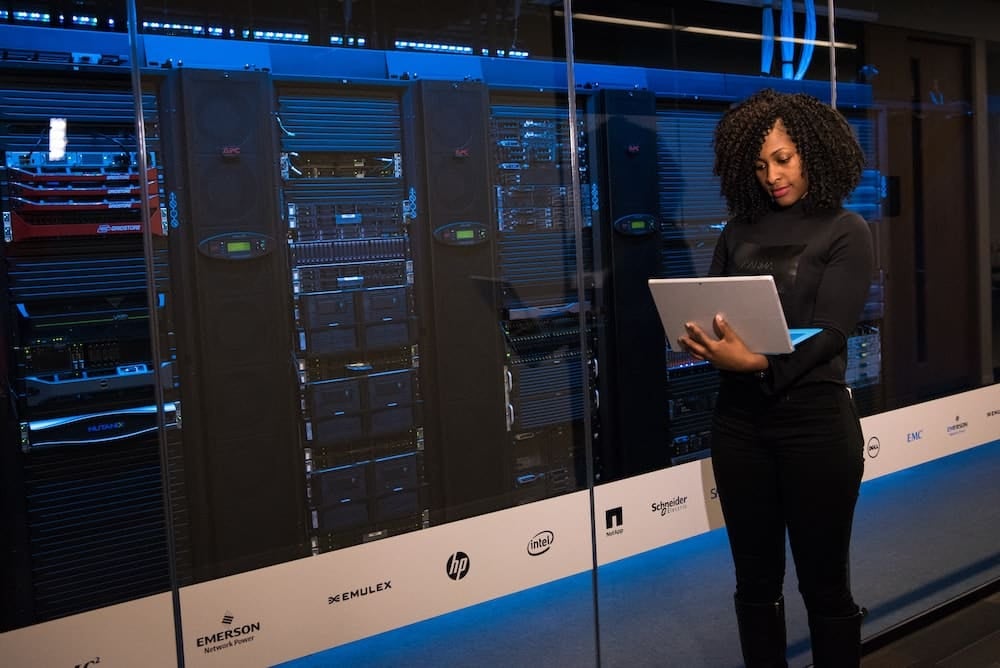
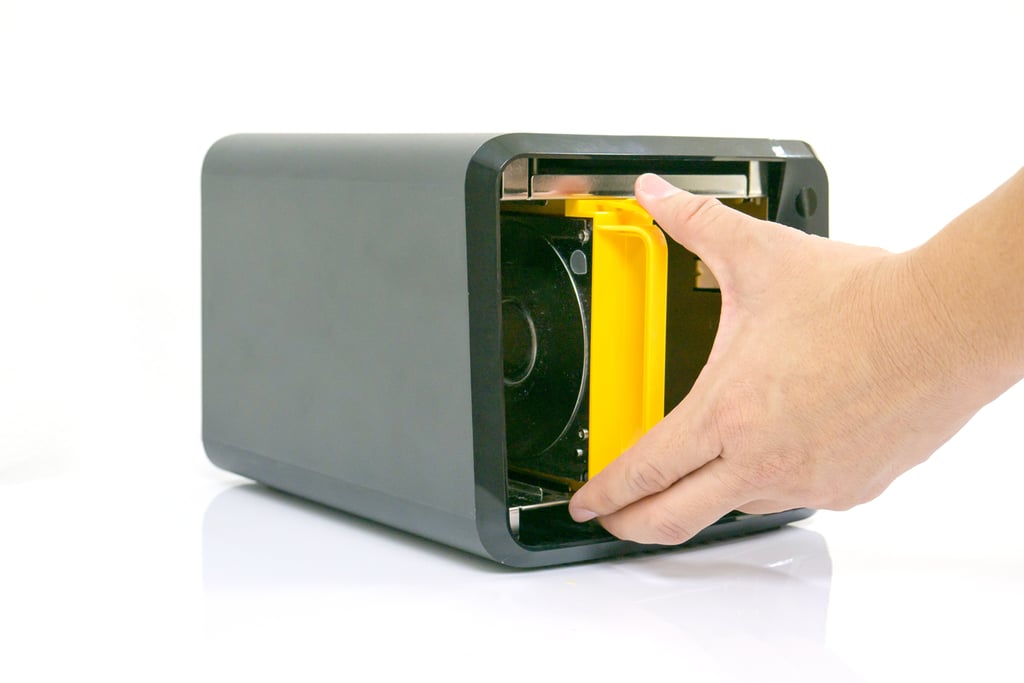
Shopping for a high end All-Flash Storage Array at a premium price. Compare the features of these Flash Storage Array Vendors. Click here now.


All-flash arrays are storage systems that use only flash-based storage, like solid-state drives, rather than mechanical hard drives. They play a critical role in storage infrastructures because they have sufficient data access speeds to support businesses’ most critical applications. Storage arrays entirely made of flash drives haven’t always been affordable for businesses; for years, hard drives or hybrid arrays were the best option. But all-flash arrays have become more available and more cost-effective, and they provide the support that data-intensive workloads need to keep business operations running optimally.
We compared all-flash arrays based on features and price—here are our six top picks:
Read on to learn more about how they compare and what you need to know about them.
All-flash arrays for enterprises support data-intensive workloads in organizations’ storage infrastructures. The following table gives an overview of our top all-flash array selections, their pricing transparency, and a few of their features.
| Thin provisioning | Live chat for customer support | NVMe-oF support | Transparent pricing | |
| Pure Storage FlashArray//X X90 | ✅ | 🟥 | ✅ | 🟥 |
| Pure Storage FlashArray//C C90 | ✅ | 🟥 | ✅ | 🟥 |
| NetApp AFA A900 | ✅ | ✅ | 🟨 | 🟨 |
| Dell EMC Unity XT 880F | ✅ | ✅ | 🟥 | 🟥 |
| IBM FlashSystem 7300 | ✅ | 🟥 | ✅ | ✅ |
| Dell EMC PowerMax NVMe 8500 | ✅ | 🟥 | ✅ | 🟥 |
✅= offered by vendor 🟨= unknown or unclear 🟥= not offered by vendor
Jump to:
Key Features of All-Flash Arrays
How to Choose an All-Flash Array
Frequently Asked Questions (FAQs)
How We Evaluated the Best All-Flash Arrays
Bottom Line: Implementing All-Flash Arrays in Your Storage Infrastructure
Best for technologically advanced data centers
 FlashArray//X is a solution for large enterprise applications designed for speed and ideal for workloads with intensive data access requirements. It’s supported by Purity, Pure Storage’s data services and management software for FlashArray. Purity offers encryption, network attached storage (NAS) and storage area network (SAN) unification, and data portability between on-premises and cloud environments. FlashArray//X is a good choice for storage teams that want additional features to support their data, and Purity provides plenty of those.
For pricing guidance, potential buyers must contact Pure Storage to request a quote. Contact Pure to request a demo or learn more about FlashArray//X.
Best for backup
FlashArray//C is designed for less critical workloads than FlashArray//X, storing up to 2.3 petabytes raw. It’s geared specifically toward database workloads, data protection, and disaster recovery (DR) use cases. Like the X, it offers replication and failover features through ActiveCluster and ActiveDR, as well as immutable snapshots for backing up and restoring data. FlashArray//C is a good choice for large enterprises that want a best-in-class array and strong backup and DR capabilities.
Pure Storage doesn’t offer pricing guidance for FlashArray//C before potential buyers request a quote. Contact Pure to request a demo or learn more about FlashArray//C.
Best for security
 The A900 tops NetApp’s A-series of all-flash arrays and boasts a massive 702.7 PB of effective capacity. Keep in mind, though, that usable capacity will be lower, and NetApp doesn’t provide this number. The A900’s security features are a particular highlight—along with encryption, the A900 offers access to multi-factor authentication and provides optional anti-ransomware features through ONTAP, NetApp’s storage management software. For those concerned about disaster recovery and data protection, the A900 integrates with remote backup software and provides immutable replicated copies of data.
NetApp provides some data in this pricing guide, such as controller upgrade and base module costs, but you’ll need to contact NetApp’s sales team for a customized quote.
Best for big data
 The Unity XT 880F is an array for big data and big enterprise applications. It offers one of the highest raw capacities of arrays on our list, with 16 PB. Unity XT 880F supports block migration from third-party arrays. Security features include controller-based encryption for data at rest and an antivirus agent that supports third-party antivirus software. Consider the 880F for your big data operations—with its high raw capacity, it can hold enormous volumes of your organization’s data, and its management software includes CloudIQ for storage analytics.
Dell requires potential buyers to fill out a form and provide their preferred timeline to receive a quote.
Best for storage optimization
 IBM’s FlashSystem 7300, a midrange array in the FlashSystem series, offers automated storage tiering, block deduplication, and a host of other features, including disaster recovery capabilities. Use cases include server virtualization, SAP and Oracle workloads, and production databases. FlashSystem is particularly focused on optimizing storage, with health monitoring capabilities for arrays and predictive analytics. It’s a good choice for analytics-focused storage teams but also for sensitive applications that require disaster recovery precautions.
Sample pricing for one unit of FlashSystem 7300 starts at $112,000. For a number specific to your organization’s needs, request a custom quote from IBM.
Best for speed
The PowerMax NVMe 8500 is designed for large enterprise workloads, especially those that require NVMe-level reads and writes. But it’s not only fast: PowerMax administrators can customize snapshot policies, and Dell offers other security features like MFA integration and a required digital signature for firmware updates. Dell also offers health monitoring and predictive analytics through its artificial intelligence (AI) operations tool CloudIQ, which provides insights on PowerMax system performance. PowerMax is ideal for critical workloads that benefit from NVMe speeds.
Dell doesn’t provide pricing for the PowerMax 8500 without requesting a quote. To receive specific pricing, fill out their quote form, which includes purchase timeframe.
All-flash arrays play an important role in storage infrastructures because they manage large volumes of data while also improving applications’ ability to access data. While some flash arrays have plenty of additional features, you should specifically look for the following capabilities when shopping for your team’s next array.
Features like replication and snapshots help protect data if copies are lost, one storage site goes down, or a cyberattack wipes out the existing dataset. Backup and disaster recovery practices are critical for storage teams to implement, and high-quality storage arrays provide valuable features for protecting business data.
The more network and drive protocols an array supports, the more networks and drives it will be compatible with. Flexibility and interoperability make storage arrays more useful because they’re more likely to support storage teams’ existing hardware and network infrastructure.
The number of security capabilities that a storage array has will vary, but look for tools like encryption or multi-factor authentication. Data is one of your business’s most valuable commodities, and storage arrays—while not dedicated security platforms—have some responsibility for protecting it.
This will also vary, but ideally arrays should support some form of data portability. It’s important that your storage team be able to move data between environments, whether those are cloud, virtual, or on-premises.
Buying an array is an intensive process, and you must consider not only cost but also features and team experience. Use the following steps to find a good all-flash array vendor and product for your business.
There are some capabilities your team will prioritize over others. Make a short list of features you’d really like a storage array to have. Maybe it’s additional security, not just encryption, or maybe your team really wants good predictive analytics. Prioritize solutions that have those three to five features.
This may be one of the most difficult steps of buying an array. Most of the top all-flash array vendors don’t provide pricing unless upon request, so you’ll need to set aside time to contact their sales teams. To get an accurate estimate, you’ll need to know your storage requirements quite well, so ensure that you can clearly present your storage team’s exact needs.
A smaller, less experienced storage team may need an array with a simpler configuration or limited customization. Likewise, a storage team with plenty of combined experience may want a more advanced solution.
Want to learn more about all-flash storage? Here are some additional facts about all-flash arrays and their role in the storage industry.
Hybrid arrays include both flash drives and hard drives. They’re often a good choice for storage teams that need speed but want to save costs, since hybrid arrays tend to be less expensive than all-flash arrays.
All-flash arrays made a splash in the storage industry because they showed that flash—initially a very expensive technology—could entirely make up a storage array. While flash is still more expensive than spinning disk technology overall, it’s become much more affordable, especially for large enterprises that can invest in all-flash arrays to support their biggest workloads. That doesn’t mean a hybrid array is always a bad choice—just determine what your applications really need first.
An all-flash data center is powered entirely by flash-based drives—no spinning disk or tape. One key advantage of all-flash data centers is reduced energy consumption: making that transition in multiple organizations’ facilities could significantly improve overall data center sustainability over time. However, for many businesses, all-flash data centers are cost-prohibitive. Additionally, it takes time to phase out other storage technologies, like disk and tape.
Pure Storage offers multiple all-flash storage solutions, including FlashBlade. FlashBlade is designed for file and object storage, while FlashArray is a block and file storage solution. FlashBlade is better suited to support large volumes of unstructured data.
To evaluate all-flash storage solutions, we compiled data on capacity, feature availability, pricing, protocols, and customer support. Then we analyzed the products using a weighted scoring rubric. Our scoring system ranks products from 0 to 5, and the best solutions are chosen from that short list. Enterprise Storage Forum does not rank recommended solutions based on any vendor partnerships, only on features and capabilities. We may also analyze comprehensive user reviews and the vendors’ own data on their products to determine whether we think that product is a good fit for our audience.
In our product scoring rubric, the following criteria are weighted according to the percentages listed for each. That weight affects the total score for each product accordingly.
We examined both effective capacity and raw capacity and scored arrays based on the number of terabytes or PB they store (and penalized them when they didn’t provide a number).
We scored arrays based on the number of features they offered, including compression, deduplication, encryption, and disaster recovery capabilities.
We scored arrays based on their customer service options, including phone, email, chat, and the option to have a technical account manager for their storage environment.
We scored arrays according to the number of protocols they support, including NVMe, Ethernet, and Fibre Channel.
Rather than scoring based on price, we scored arrays on the availability of pricing information—whether the vendor was transparent about the array’s pricing or not.
All-flash arrays support large volumes of data, allowing businesses to centrally manage their storage. Arrays also protect data through backup and recovery features, encryption, and access controls. Make sure you know your business’s needs, as well as your storage team’s, when considering a particular flash array. Rapid access speeds aren’t the only benefit of these arrays—when chosen and implemented successfully, they’re a long-term asset for not only your storage team but your entire organization.
If you want more options that aren’t just flash, read our list of the best storage and disk arrays next.
Jenna Phipps is a staff writer for Enterprise Storage Forum and eSecurity Planet, where she covers data storage, cybersecurity and the top software and hardware solutions in the storage industry. She’s also written about containerization and data management. Previously, she wrote for Webopedia. Jenna has a bachelor's degree in writing and lives in middle Tennessee.

Enterprise Storage Forum offers practical information on data storage and protection from several different perspectives: hardware, software, on-premises services and cloud services. It also includes storage security and deep looks into various storage technologies, including object storage and modern parallel file systems. ESF is an ideal website for enterprise storage admins, CTOs and storage architects to reference in order to stay informed about the latest products, services and trends in the storage industry.
Property of TechnologyAdvice. © 2026 TechnologyAdvice. All Rights Reserved
Advertiser Disclosure: Some of the products that appear on this site are from companies from which TechnologyAdvice receives compensation. This compensation may impact how and where products appear on this site including, for example, the order in which they appear. TechnologyAdvice does not include all companies or all types of products available in the marketplace.